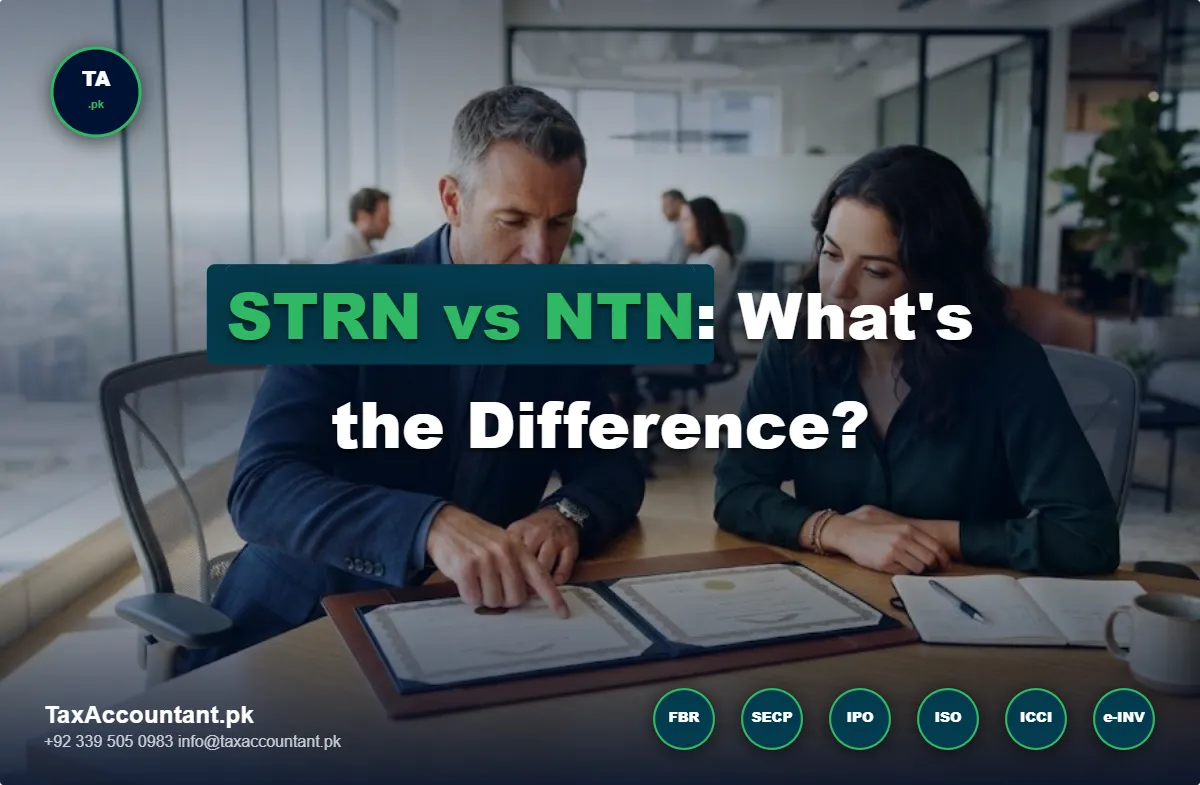
This is potentially the most common point of confusion among new clients – “I already have an NTN, why is FBR asking me for an STRN too?” or the reverse – “I have a Sales Tax number, isn’t that the same as my NTN?” While related, they are not the same registration, and understanding the nuances is crucial to registering for either.
What is an NTN?
Your National Tax Number (NTN) is issued to you upon registration with FBR for income tax purposes. Every individual, AOP or company which registers on IRIS will receive an NTN – your general tax identification. For individuals, FBR has moved towards utilizing the CNIC as the NTN, so in most cases you would not see a “NTN” number that’s separate from your 13-digit CNIC. If you haven’t registered yet, our FBR IRIS registration guide goes through the process of initial registration.
Free tool: Looking for a company’s NTN? Search by name in our free NTN Directory. Check a CNIC or NTN right now with our free ATL Verification tool.
What is an STRN?
A Sales Tax Registration Number (STRN) refers to a certificate of registration issued under the Sales Tax Act, 1990 for registration for sales tax purposes. Practically speaking, your STRN will usually be the same digits as your NTN/CNIC – but with the activation of your IRIS profile carrying an additional “Sales Tax” registration as a status alongside your income tax status. This enables a taxpayer to levy sales tax on their invoices, claim input tax, and file monthly returns for the same.
In other words – while the number itself may look similar, the registration and associated compliance is different, activated separately.
Not everyone with an NTN needs an STRN
This is the key point of differentiation. While NTN registration applies to everyone who files a tax return (income tax), Sales Tax registration is only applicable to certain types of businesses (read further to see if you’re required).
Everyone who files a tax return needs an NTN
Any salaried individual, freelancer or business owner who files a tax return in Pakistan needs an NTN. Sales Tax registration, on the other hand, is only required if your business falls under the following categories:
- Manufacturer
- Importer
- Wholesaler and Distributor
- Exporter (often to claim zero-rating/refunds)
- Retailer (crossing the applicable turnover or Tier-1 thresholds)
- Service providers (within sectors where provincial/federal sales tax on services is applicable)
If none of the above apply to you – say, you’re a salaried employee or a small services business below the relevant thresholds – you will have the option of having an NTN and filing income tax returns, but not a Sales Tax Registration Number
Every STRN Holder has an NTN
To put it another way – you can’t have a Sales Tax registration without first having a National Tax Number. However, you may have an NTN and not need a Sales Tax registration.
How can I check if I have an NTN or STRN or both already?
By logging into your IRIS profile, you can check the ‘Registration’ tab to view your active registrations – it will show whether ‘Income Tax’ (NTN) and/or ‘Sales Tax’ (STRN) is active. If you’re not sure whether your business is liable to be registered for sales tax in the first place, it’s a good idea to determine this before FBR questions you about it.
If you’ve determined that you do need to register for sales tax, our guide to required documents for sales tax registration is the next logical step, or alternatively our team can register your sales tax directly via our Sales Tax Registration service.
FAQ
Is my STRN a separate number to that of my NTN?
Your STRN, by default, shares the same digits as your NTN / CNIC. The difference is that the status of the number being used for Income Tax (NTN) is separate to the status of the same number applied for Sales Tax registration in FBR’s IRIS system.
Can I have an NTN but not an STRN?
Yes – this situation reflects the general rule, where any individual or company with an NTN that does not conduct business which requires sales tax registration will only have an NTN.
Do I need to apply separately for an STRN if I already have an NTN?
Yes. Applying for sales tax registration is a separate process, which begins with the ‘Registration’ tab in IRIS (once you’re logged in with the NTN you’ve already applied for). See our guide to required documents for sales tax registration.