
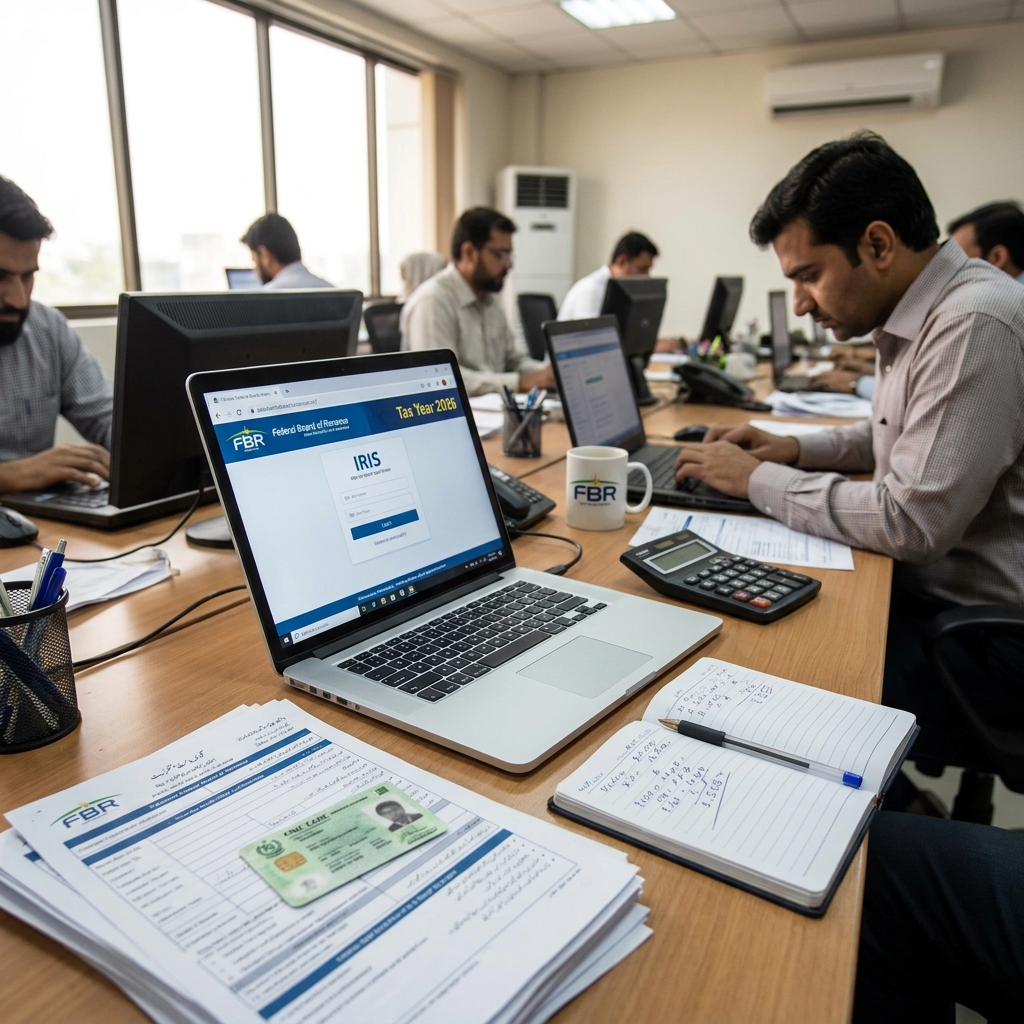
How to File Income Tax Returns in Pakistan Online (IRIS Step-by-Step Guide 2026)
is a process completed online through the IRIS system of the Federal Board of Revenue (FBR).
Every registered taxpayer must submit their return each year using this portal. The process includes login, income entry, deductions, and final submission.
This guide explains only the practical filing steps inside IRIS, so you can complete your return without confusion or mistakes.
This topic is part of a complete guide on Income Tax Return →
https://taxaccountant.pk/income-tax-return-filing-services-in-pakistan/
What Is IRIS in Pakistan Tax System
IRIS is the official online tax filing system of the Federal Board of Revenue.
It is used for:
- Income tax return filing
- Wealth statement submission
- Tax record management
- Verification of taxpayer data
You can access it through the official system:
IRIS FBR
Step 1: Login to IRIS Portal
To start filing:
- Open IRIS system
- Enter CNIC or NTN
- Enter password
- Complete CAPTCHA
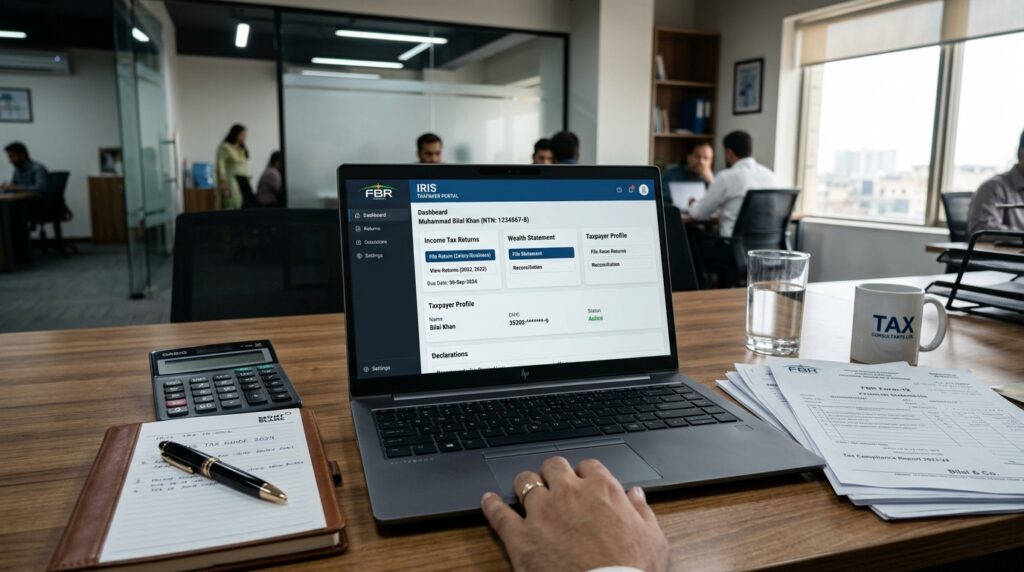
After login, your taxpayer dashboard appears.
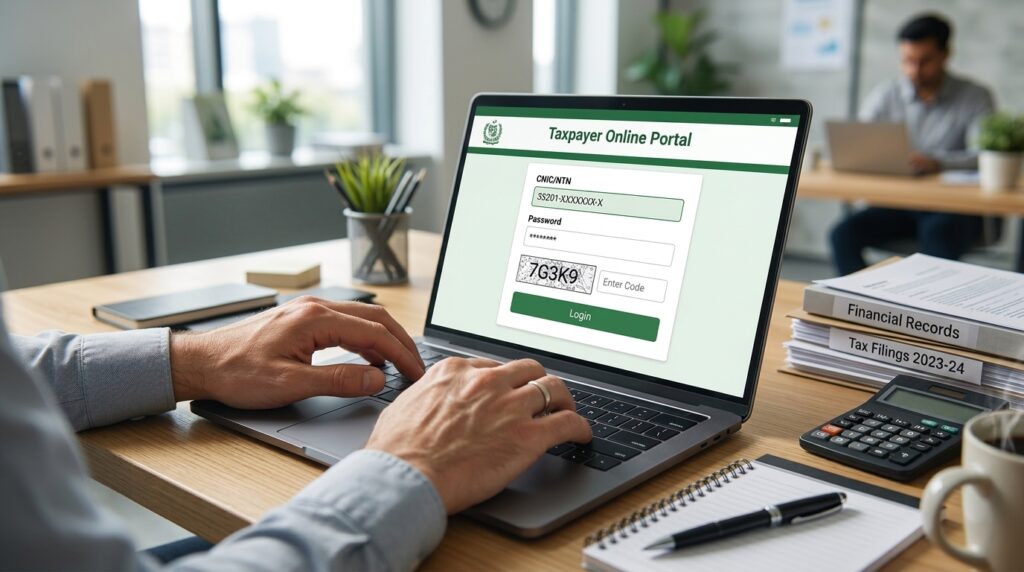 Logging into IRIS FBR tax portal in Pakistan step by step How to File Income Tax Returns in Pakistan Online (IRIS Step-by-Step Guide 2026)
Step 2: Open Income Tax Return Form
Inside dashboard:
- Go to “Declaration”
- Click “Income Tax Return”
- Select tax year
- Open draft return
This form contains all income sections.
Step 3: Enter Income Details
You must enter all income sources:
- Salary income
- Business income
- Bank profit
- Freelancing income
- Withholding tax details
IRIS automatically matches data with FBR records.

How to File Income Tax Returns in Pakistan Online (IRIS Step-by-Step Guide 2026)
Step 4: Wealth Statement (If Required)
Some taxpayers must also complete wealth declaration.
It includes:
- Property details
- Cash in hand
- Bank balances
- Vehicles
- Loans and liabilities
This step is important for high-income filers.

Step 5: Submit Income Tax Return
Before submission:
- Review all entries
- Check tax payable/refund
- Verify withholding tax
- Click submit
IRIS generates an acknowledgment receipt after submission.

Common Mistakes in Tax Filing
Many users face issues due to:
- Wrong income reporting
- Missing bank profit details
- Ignoring withholding tax
- Submitting without review
- Using wrong tax year
These mistakes often lead to notices from FBR.
Practical Tips for Accurate Filing
- Keep salary slips ready
- Download tax deduction certificates
- Match income with bank statements
- Always review before submission
- File before deadline
Income tax returns in Pakistan are filed through the official IRIS system managed by the Federal Board of Revenue (FBR).
FAQ Section
How do I file income tax return in Pakistan online?
You can file it through IRIS portal of FBR by logging in and submitting your return form.
Is IRIS compulsory for tax filing?
Yes, all income tax returns in Pakistan are filed through IRIS.
Can I file tax return without help?
Yes, but accuracy is important to avoid FBR notices.
What happens after submission?
You receive an official acknowledgment receipt from IRIS.
This topic is part of a complete guide on Income Tax Return →
Income Tax Return Filing Services in Pakistan | Tax Consultant in Islamabad, Karachi & Lahore